The short version
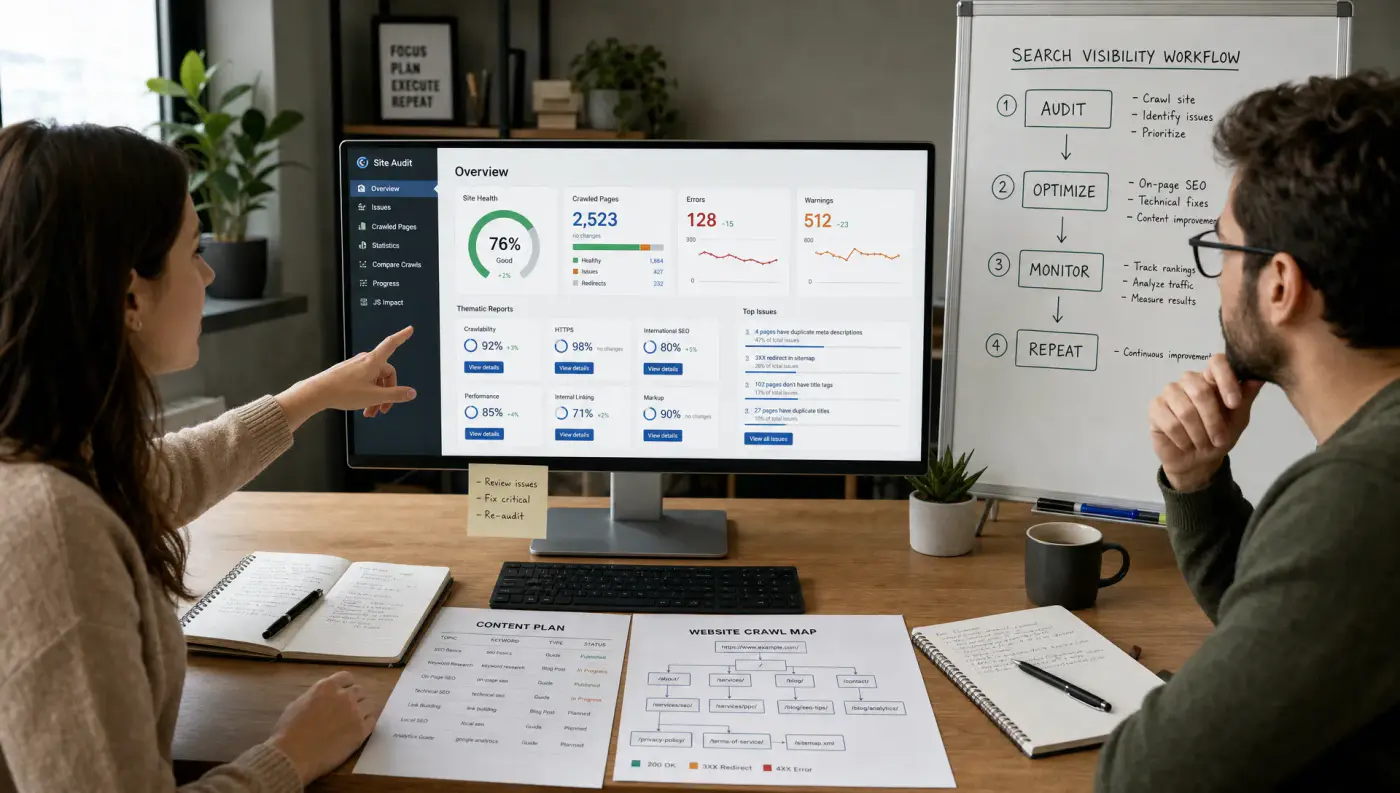
Start with free first-party data, add one strong all-in-one SEO platform, use a crawler for technical depth, layer in content optimization where it improves editorial quality, and consider AI search visibility tools if answer engines influence your buyer journey.
01
Why SEO tools matter in 2026
The best search engine optimization tools for 2026 are not just keyword databases or rank trackers. They are the systems that help you understand demand, diagnose technical barriers, improve content quality, measure business impact, and adapt to AI-driven search experiences.
That matters because SEO is no longer a single-channel traffic play. Your future customers may find you through Google results, Google AI Overviews, Bing, YouTube, Reddit threads, AI assistants, local packs, comparison pages, or branded searches after seeing you somewhere else. A strong SEO stack helps you connect those signals without drowning your team in dashboards.
02
What makes an SEO tool worth using in 2026?
A tool is only useful if it improves decisions. Before comparing logos, judge every platform against five criteria.
First, does it use reliable data? Keyword volume, difficulty, backlinks, and visibility scores are estimates unless they come directly from your own properties. That does not make third-party tools bad, but it does mean you should pair them with first-party tools like Google Search Console and analytics data.
Second, does it map to search intent? A tool that shows 10,000 keywords is less useful than one that helps you understand what the searcher wants, what format they expect, and what proof they need before converting.
Third, does it support implementation? Great SEO ideas often die in the backlog. The best search engine optimization tools help teams prioritize fixes, brief writers, hand requirements to developers, and report on outcomes.
Fourth, does it account for AI search? In 2026, SEO teams need to think beyond classic blue links. Answer engines and AI summaries often rely on brand authority, entity clarity, structured content, topical depth, and third-party mentions. If your buyers use AI assistants during research, your tooling should help you monitor that visibility.
Finally, does it fit your team? A solo founder does not need an enterprise crawl platform on day one. A large ecommerce site cannot rely on a browser extension and a monthly spreadsheet. Choose for your workflow, not for feature count.
For a deeper look at how SEO, AEO, GEO, and AI search optimization fit together, the SitesBrand growth blog covers these topics from a strategy and execution perspective.
03
Quick comparison: the best SEO tools by use case
| Use case | Tools to shortlist | Best fit | Pricing posture |
|---|---|---|---|
| First-party search performance | Google Search Console, Bing Webmaster Tools | Every website, from startups to enterprises | Free |
| Analytics and conversion measurement | Google Analytics 4, Looker Studio | Teams that need to connect SEO to leads, sales, and revenue | Free core tools |
| All-in-one SEO research | Semrush, Ahrefs | Content, SEO, and growth teams that need competitive research | Paid subscriptions |
| Technical crawling | Screaming Frog SEO Spider, Sitebulb | Sites with technical debt, migrations, templates, or indexation issues | Free trial or paid licenses |
| Page speed and Core Web Vitals | PageSpeed Insights, Lighthouse | Product, development, and SEO teams improving user experience | Free |
| Content optimization | Clearscope, Surfer, Frase | Editorial teams improving topical coverage and on-page relevance | Paid subscriptions |
| Question and intent research | AlsoAsked, AnswerThePublic | Content teams building FAQ sections, hubs, and answer-focused assets | Free limited access or paid plans |
| WordPress SEO implementation | Yoast SEO, Rank Math | WordPress sites that need practical on-page controls | Freemium with paid upgrades |
| AI search visibility | Profound, Peec AI | Brands tracking how AI assistants describe, cite, or compare them | Paid or custom plans |
| Enterprise SEO governance | Lumar, Botify | Large sites with complex crawl, rendering, and indexation requirements | Custom enterprise pricing |
04
1. Google Search Console: best free source of Google SEO truth
Google Search Console should be the foundation of every SEO stack. It shows how Google sees your site, including queries, pages, impressions, clicks, average position, indexing status, sitemap signals, Core Web Vitals data, and manual actions.
Its biggest advantage is that it gives you first-party data from Google Search. Third-party platforms can estimate search demand and ranking positions, but Search Console shows actual performance for your verified property.
Use it to find pages with high impressions but low click-through rates, queries where you are close to page one, indexing issues that prevent pages from appearing, and content that is decaying over time. For 2026, it is also useful for understanding which pages still earn visibility even as search results become more dynamic.
At SitesBrand, a practical Search Console workflow starts with two exports: queries with rising impressions but weak clicks, and pages that lost clicks over the last 28 to 90 days. Those two views usually reveal whether the fix is a title and meta refresh, content expansion, internal linking, or a technical indexation check.
The limitation is that Search Console is not a complete SEO strategy platform. It does not provide deep competitor workflows, editorial briefs, or advanced reporting by default. Treat it as your source of truth, then connect it to research and reporting tools.
05
2. Bing Webmaster Tools: best free complement for Bing and AI ecosystem visibility
Bing Webmaster Tools is often overlooked, but it deserves a place in modern SEO stacks. Bing powers more than traditional search. Its data and index can influence parts of the Microsoft ecosystem, including Copilot experiences.
The platform provides site performance data, URL inspection, backlink information, keyword research, crawl controls, and SEO reports. It also supports IndexNow, a protocol that helps search engines discover changed content faster when implemented correctly.
For most teams, Bing Webmaster Tools is not a replacement for Google Search Console. It is a practical second source of search visibility and technical insight, especially if your audience includes B2B buyers, enterprise users, or Microsoft-heavy markets.
06
3. Google Analytics 4: best for connecting SEO to outcomes
Google Analytics 4 is not an SEO tool in the traditional sense, but it is essential for understanding what happens after organic visitors land on your site.
Search rankings are useful, but they are not the final goal. GA4 helps you evaluate landing page engagement, conversion events, assisted journeys, revenue, lead quality, and channel overlap. This is especially important in 2026 because organic search often contributes to multi-touch journeys rather than last-click conversions.
Use GA4 to compare organic landing pages by engagement rate, form completions, purchases, demo requests, signups, or other meaningful actions. Then combine this with Search Console data to identify pages that attract search demand but need better conversion paths.
The key is configuration. GA4 only becomes valuable when events, conversions, filters, and reporting views are set up thoughtfully. Without that, teams risk optimizing for traffic instead of business impact.
07
4. Semrush: best all-in-one suite for broad SEO and competitive research
Semrush is one of the strongest all-in-one platforms for teams that want keyword research, competitor analysis, content planning, backlink analysis, position tracking, technical audits, and PPC overlap in one place.
Its strength is breadth. A marketing team can use it to study competitors, identify content gaps, track priority rankings, audit site health, analyze link profiles, and monitor SERP features. This makes it useful for agencies, in-house teams, and growth marketers who need one central SEO workspace.
Semrush is especially helpful when you need to answer questions like which competitors are winning the most organic visibility, which keywords are worth prioritizing, which pages are losing ground, and where paid and organic strategies overlap.
For agency-style planning, the most useful Semrush workflow is not opening every report. Start with Organic Research to identify competing pages, use Keyword Gap to find missing commercial and informational clusters, then turn only the highest-fit gaps into briefs. That keeps the platform from becoming a long list of disconnected keyword ideas.
The tradeoff is that broad platforms can become noisy. To get value, define a small set of workflows: weekly ranking checks, monthly content gap analysis, quarterly technical reviews, and campaign-specific competitor research.
08
5. Ahrefs: best for backlink analysis and content opportunity research
Ahrefs is widely used for backlink research, competitor analysis, keyword discovery, content gap analysis, and site auditing. It is particularly strong for teams that care about link equity, competitive content strategy, and understanding why certain pages rank.
Ahrefs can help you identify which pages attract links in your industry, which competitors own valuable keyword clusters, and which topics have traffic potential. Its content gap workflows are useful when building topic hubs or improving category pages.
In 2026, backlinks are not the whole game, but authority still matters. Search engines and answer systems rely on signals of credibility, reputation, and entity relationships. Ahrefs helps reveal where your brand is underrepresented across the web.
A useful Ahrefs workflow is to compare a target page against three ranking competitors, then separate gaps into three buckets: missing subtopics, missing proof, and missing authority. That prevents teams from copying competitor headings and helps turn backlink and content data into an actual editorial decision.
The best use case is strategic research, not blind copying. If a competitor ranks for a topic, ask whether that topic fits your positioning, audience, and conversion path before adding it to your roadmap.
09
6. Screaming Frog SEO Spider: best technical crawler for hands-on SEOs
Screaming Frog SEO Spider is a desktop crawler that helps you inspect how a website is structured. It can surface broken links, redirect chains, duplicate titles, missing metadata, canonical issues, indexability problems, internal linking patterns, status codes, structured data, and more.
For technical SEO audits, migrations, redesigns, and large content cleanups, Screaming Frog is hard to replace. It gives practitioners granular control and exportable data, which makes it valuable for diagnosing issues and creating developer-ready recommendations.
Use it before launching a new site, after deploying major changes, when traffic drops suddenly, or when you suspect Google cannot efficiently crawl important content. Pair it with Search Console to compare what your crawler sees against what Google reports.
In a practical audit, Screaming Frog is where we separate symptoms from causes. For example, a thin-page issue may actually be an internal-linking problem, a canonical rule, a redirect chain, or a template-level title pattern. Exporting those issues by URL pattern makes the recommendation easier for developers to ship.
The learning curve is real. Beginners may prefer a more guided tool, while advanced SEOs often appreciate the flexibility.
10
7. Sitebulb: best technical SEO auditing tool for visual prioritization
Sitebulb is another strong technical SEO crawler, with an emphasis on audit visualization, issue prioritization, and explainable recommendations. It is useful for teams that need to communicate technical SEO problems to non-SEO stakeholders.
Where Screaming Frog feels like a power tool for analysts, Sitebulb often feels more accessible for presentations, client audits, and cross-functional prioritization. Its visual crawl maps and issue explanations help teams understand not only what is wrong, but why it matters.
Sitebulb is a good fit when you need to audit complex sites, document technical debt, and turn raw crawl findings into an implementation roadmap.
The strongest Sitebulb use case is stakeholder clarity. When a founder, marketer, and developer need to agree on priorities, its hints and visual crawl paths make it easier to show why fixing a template or crawl path matters more than chasing another keyword list.
11
8. PageSpeed Insights and Lighthouse: best free tools for performance diagnostics
PageSpeed Insights and Lighthouse are essential for evaluating page performance, accessibility, SEO basics, and user experience diagnostics. PageSpeed Insights includes field data from the Chrome User Experience Report when available, plus lab diagnostics powered by Lighthouse.
For SEO, the most important performance metrics are Core Web Vitals, including Largest Contentful Paint, Interaction to Next Paint, and Cumulative Layout Shift. These metrics do not replace content quality or authority, but poor experience can limit conversions and create friction for users.
Use these tools to identify slow templates, heavy scripts, layout shifts, render-blocking resources, and interaction delays. The most valuable workflow is not chasing a perfect score. It is finding the performance issues that affect important organic landing pages and fixing them with developers.
12
9. Clearscope, Surfer, and Frase: best content optimization tools
Content optimization tools can help writers and strategists understand topical coverage, related terms, search intent patterns, and competitor content structure. Clearscope, Surfer, and Frase are common options in this category.
These tools are most valuable when they support expert content, not when they dictate it. A high score does not guarantee rankings, and mechanically adding terms can make content worse. The best workflow is to use optimization suggestions as a research layer, then apply editorial judgment, original examples, first-hand expertise, and conversion strategy.
For 2026, this category matters because generic AI-written content is easy to produce and easy to ignore. Search engines and users reward content that is useful, specific, trustworthy, and clearly better than the alternatives. Content tools can reveal gaps, but your brand perspective is what makes the page worth ranking.
13
10. AlsoAsked and AnswerThePublic: best for question-led content research
AlsoAsked and AnswerThePublic help teams understand how people phrase questions around a topic. This is useful for FAQ sections, comparison pages, educational hubs, support content, and answer engine optimization.
Question research is especially valuable when building content for complex purchases. Buyers rarely search one keyword, read one page, and convert. They ask follow-up questions, compare options, look for risks, and search for proof.
Use these tools to find natural subtopics, then validate them with Search Console, sales call insights, customer support tickets, and SERP analysis. The goal is not to answer every possible question. It is to answer the questions that move your audience toward clarity and action.
14
11. Looker Studio: best SEO reporting layer for custom dashboards
Looker Studio is a strong option for building SEO dashboards that combine Search Console, GA4, paid media, CRM exports, and other data sources through native or third-party connectors.
A good SEO report should not be a dump of rankings and charts. It should show what changed, why it matters, what actions are next, and how SEO contributes to revenue or pipeline. Looker Studio helps teams turn raw data into recurring views for executives, marketers, content teams, and technical teams.
Useful dashboard views include organic landing page performance, branded versus non-branded search trends, conversion by landing page, content decay, technical issue status, and priority keyword groups.
15
12. Yoast SEO and Rank Math: best WordPress SEO implementation tools
For WordPress websites, Yoast SEO and Rank Math help teams manage SEO basics inside the CMS. They can support title tags, meta descriptions, XML sitemaps, schema markup, breadcrumbs, robots controls, canonical settings, and on-page checks.
These plugins are not full SEO strategies. They will not decide your positioning, build authority, fix poor site architecture, or guarantee rankings. But they do make routine SEO implementation easier for editors and site owners.
The biggest mistake is treating plugin traffic lights as absolute truth. Use them as guardrails, then make decisions based on search intent, page quality, internal linking, and conversion goals.
16
13. Profound and Peec AI: best emerging tools for AI search visibility
AI search visibility is a fast-moving category. Platforms such as Profound and Peec AI are designed to help brands understand how they appear in AI-generated answers, which competitors are mentioned, and which sources influence those responses.
This category is most useful for brands whose buyers ask AI tools for recommendations, comparisons, vendors, definitions, or implementation advice. Examples include B2B software, professional services, ecommerce categories, healthcare-adjacent education, finance-adjacent research, and technical products.
Because the category is still evolving, validate any AI search visibility platform with a pilot. Look for transparent methodology, repeatable prompts, citation tracking, competitor comparison, and workflows that turn findings into content, PR, technical, or digital authority actions.
AI visibility tools should not replace traditional SEO tools. They should sit beside them, helping you understand how your brand is interpreted in answer environments.
17
14. Lumar and Botify: best for enterprise SEO operations
Enterprise sites often need more than periodic crawls. They need scalable monitoring, crawl budget analysis, rendering insights, log file workflows, template-level issue detection, stakeholder governance, and automated alerts. That is where platforms like Lumar and Botify can be useful.
These tools are a better fit for large ecommerce sites, marketplaces, publishers, multi-location brands, and enterprise SaaS sites with thousands or millions of URLs. They help SEO teams prioritize technical issues at scale and coordinate with engineering teams.
For smaller websites, enterprise platforms may be more than necessary. If your site has fewer pages and a simple CMS, start with Search Console, Screaming Frog or Sitebulb, PageSpeed Insights, and a clear implementation process.
18
How to choose the right SEO tool stack
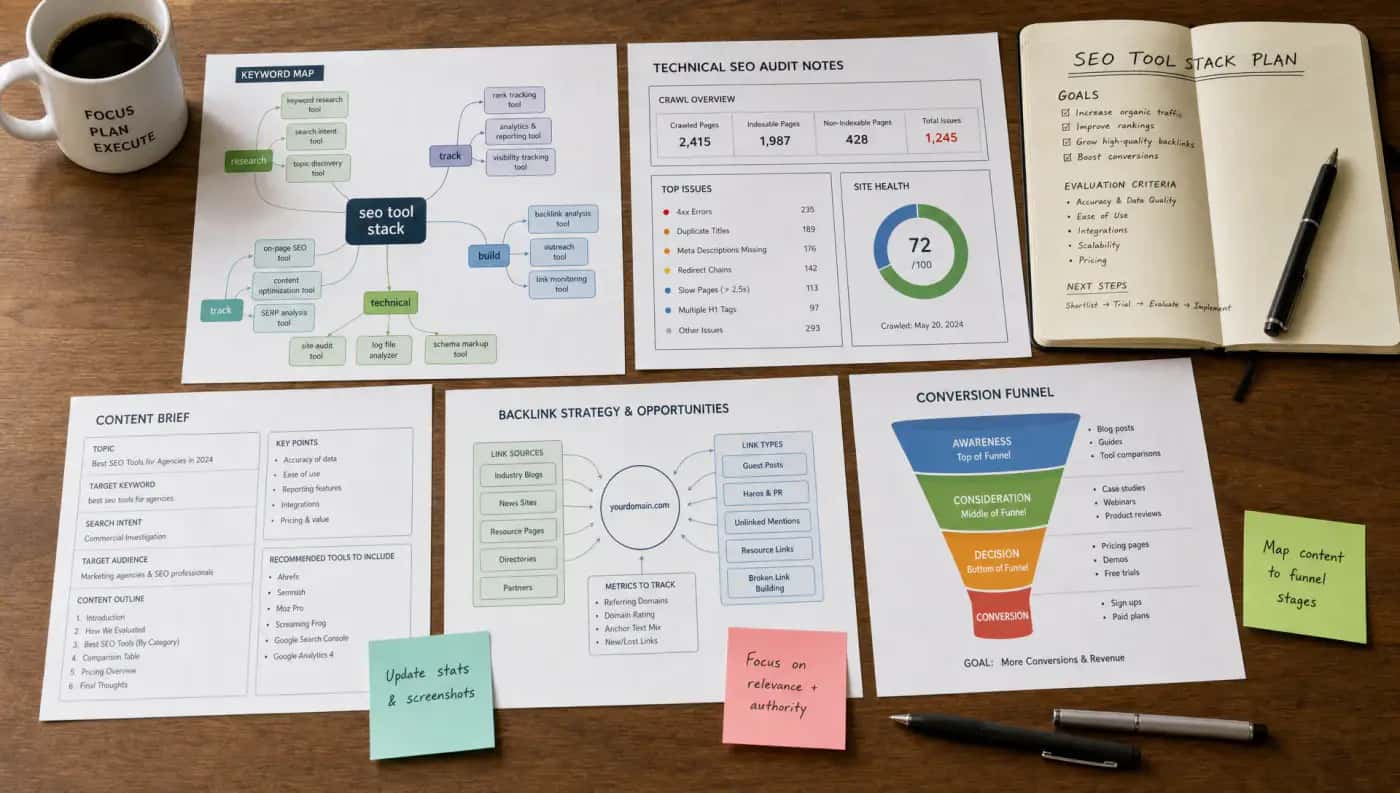
The best SEO stack is usually smaller than people expect. Instead of buying overlapping software, build around the core jobs your team must perform every month.
If you are choosing between Semrush and Ahrefs, base the decision on your workflow. Semrush is often attractive when you want a broad marketing and SEO suite. Ahrefs is often attractive when backlink intelligence and content opportunity research are central. Many teams can succeed with either, but few need both at full capacity unless SEO is a major growth channel.
If you are choosing between Screaming Frog and Sitebulb, consider the user. Screaming Frog is excellent for hands-on technical analysts who want granular control. Sitebulb is excellent for audits, visualization, and communicating issues to stakeholders.
If you are choosing content optimization tools, test them on pages that matter. The right tool should help your writers produce clearer, more complete, more useful content. If it leads to bloated paragraphs and repetitive wording, it is hurting more than helping.
| Business situation | Recommended stack | Why it works | Budget posture |
|---|---|---|---|
| New website or small business | Google Search Console, GA4, Bing Webmaster Tools, PageSpeed Insights, one WordPress SEO plugin if relevant | Covers essential measurement, indexing, performance, and implementation without unnecessary cost | Mostly free |
| Content-led startup | Search Console, GA4, Ahrefs or Semrush, a content optimization tool, Looker Studio | Supports topic research, competitor analysis, content briefs, and growth reporting | One paid suite plus one paid content tool |
| Local service business | Search Console, GA4, Google Business Profile tools, rank tracking if needed, review monitoring | Focuses on local visibility, conversions, and reputation signals | Free core tools, paid tracking only if needed |
| Ecommerce brand | Search Console, GA4, Semrush or Ahrefs, Screaming Frog or Sitebulb, PageSpeed Insights, schema testing | Helps manage category pages, product templates, indexation, performance, and commercial search intent | Paid research and crawl tooling usually justified |
| Enterprise site | Search Console, GA4 or analytics suite, enterprise crawler, log analysis, data warehouse or BI reporting, AI visibility monitoring where relevant | Supports governance, scale, automation, and executive reporting | Custom enterprise and BI costs |
19
Common SEO tool mistakes to avoid
The most common mistake is buying software before defining strategy. Tools can reveal opportunities, but they cannot decide your positioning, messaging, audience, offers, or conversion paths.
Another mistake is optimizing for tool scores instead of users. A green plugin score, a high content grade, or a perfect site health percentage can be useful, but none of them guarantees revenue. Always connect recommendations to search intent, user experience, and measurable outcomes.
Teams also over-rely on AI-generated keyword lists. AI can accelerate research, clustering, briefing, and analysis, but it should be checked against real SERPs, customer language, first-party data, and expert review.
Finally, many businesses ignore implementation capacity. If your development team can only ship two SEO fixes per sprint, prioritize the fixes that unlock the most value. The best audit is the one that becomes action.
20
Turn SEO tools into a growth system
Search engine optimization tools can show you what is happening, but growth comes from strategy, prioritization, execution, and iteration. The winning stack is the one your team actually uses to improve visibility, conversions, and revenue.
If you want help turning SEO data into a practical growth roadmap, SitesBrand builds psychology-driven, AI-powered digital growth systems across SEO, automation, web development, and conversion-focused design. Start with a free audit or strategy call and identify which tools, fixes, and opportunities will move the needle fastest for your brand.
21
Frequently asked questions
What is the best SEO tool for 2026?
There is no single best tool for every business. A strong baseline is Google Search Console, GA4, Bing Webmaster Tools, PageSpeed Insights, and one all-in-one platform such as Semrush or Ahrefs if SEO is a serious growth channel.
Are free SEO tools enough?
Free tools are enough for many new or small websites. Once you need competitor research, content gap analysis, rank tracking, backlink analysis, or technical audits at scale, paid tools can save time and improve decisions.
Is Semrush better than Ahrefs?
Semrush is often better for teams that want a broad suite covering SEO, content, competitor research, and paid search insights. Ahrefs is often preferred for backlink analysis and content opportunity research. The better choice depends on your workflow.
Do AI tools replace SEO tools?
No. AI tools can speed up research, clustering, drafting, and analysis, but they do not replace first-party data, technical crawling, analytics, editorial expertise, or strategic judgment.
How many SEO tools does a business actually need?
Most businesses need tools for five jobs: search performance, analytics, keyword and competitor research, technical auditing, and reporting. Add content optimization, local SEO, enterprise crawling, or AI visibility tools only when your strategy requires them.